
Request upgrade
Thanks for requesting an upgrade!
Our team will be in touch soon.
Our team will be in touch soon.
Our team will be in touch soon.
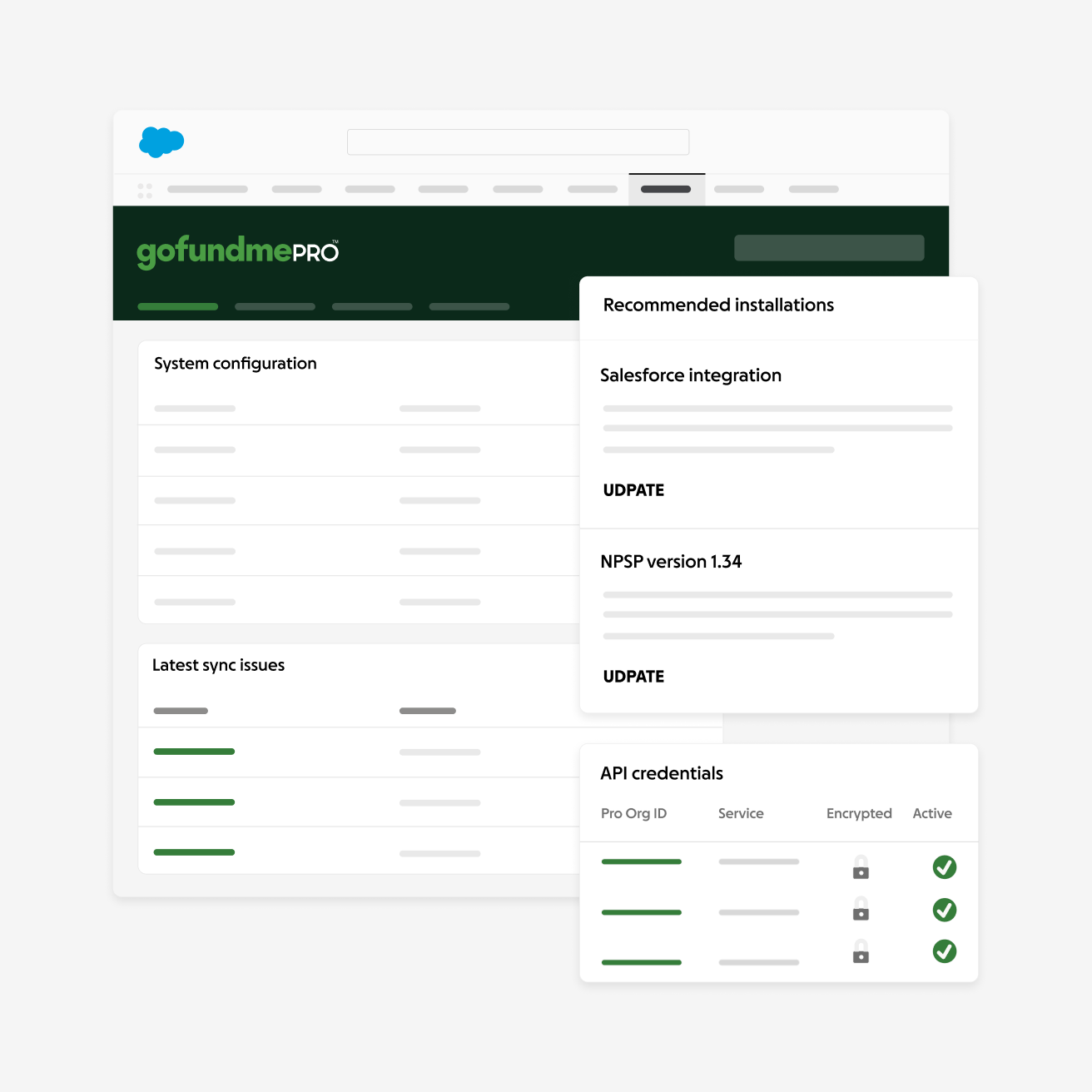
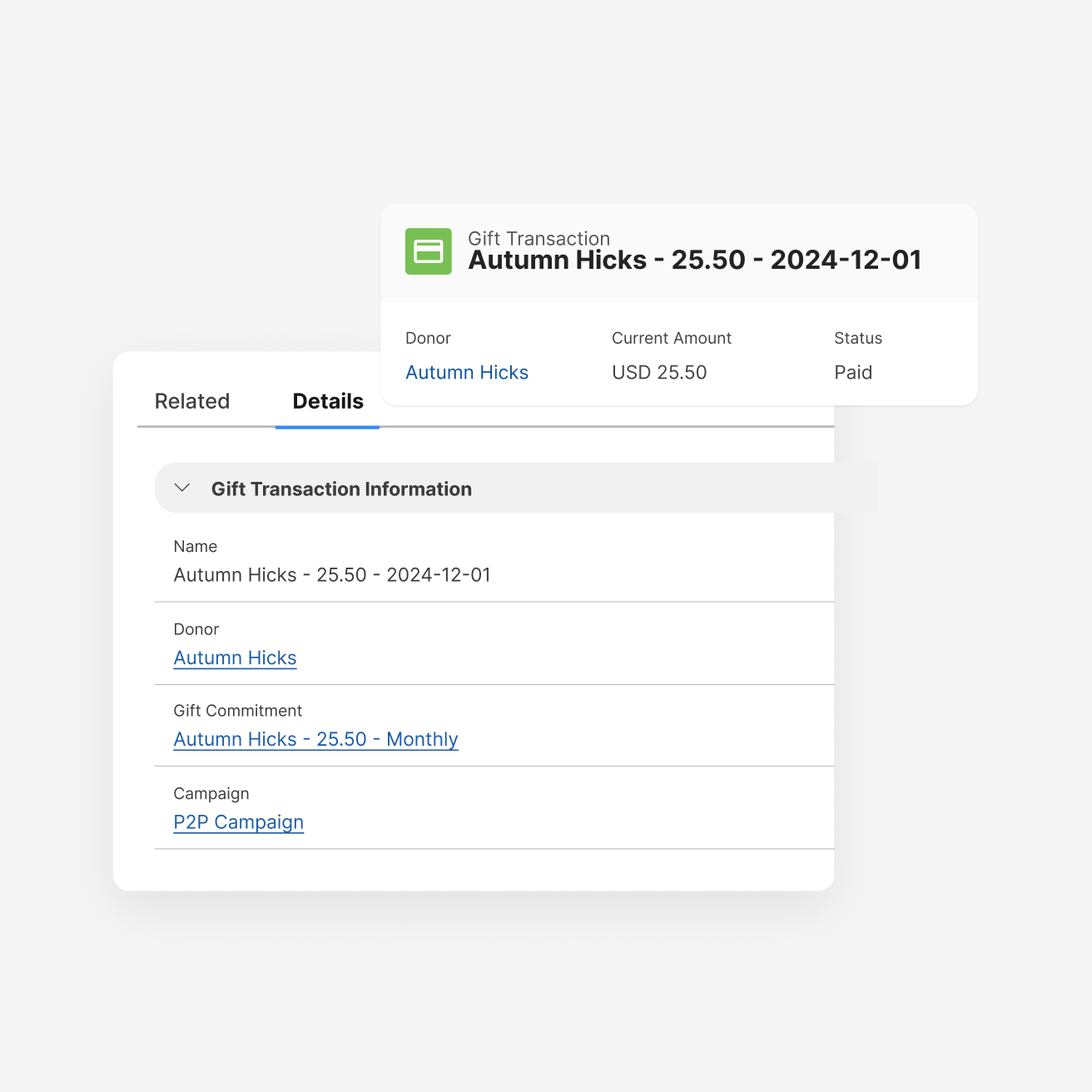
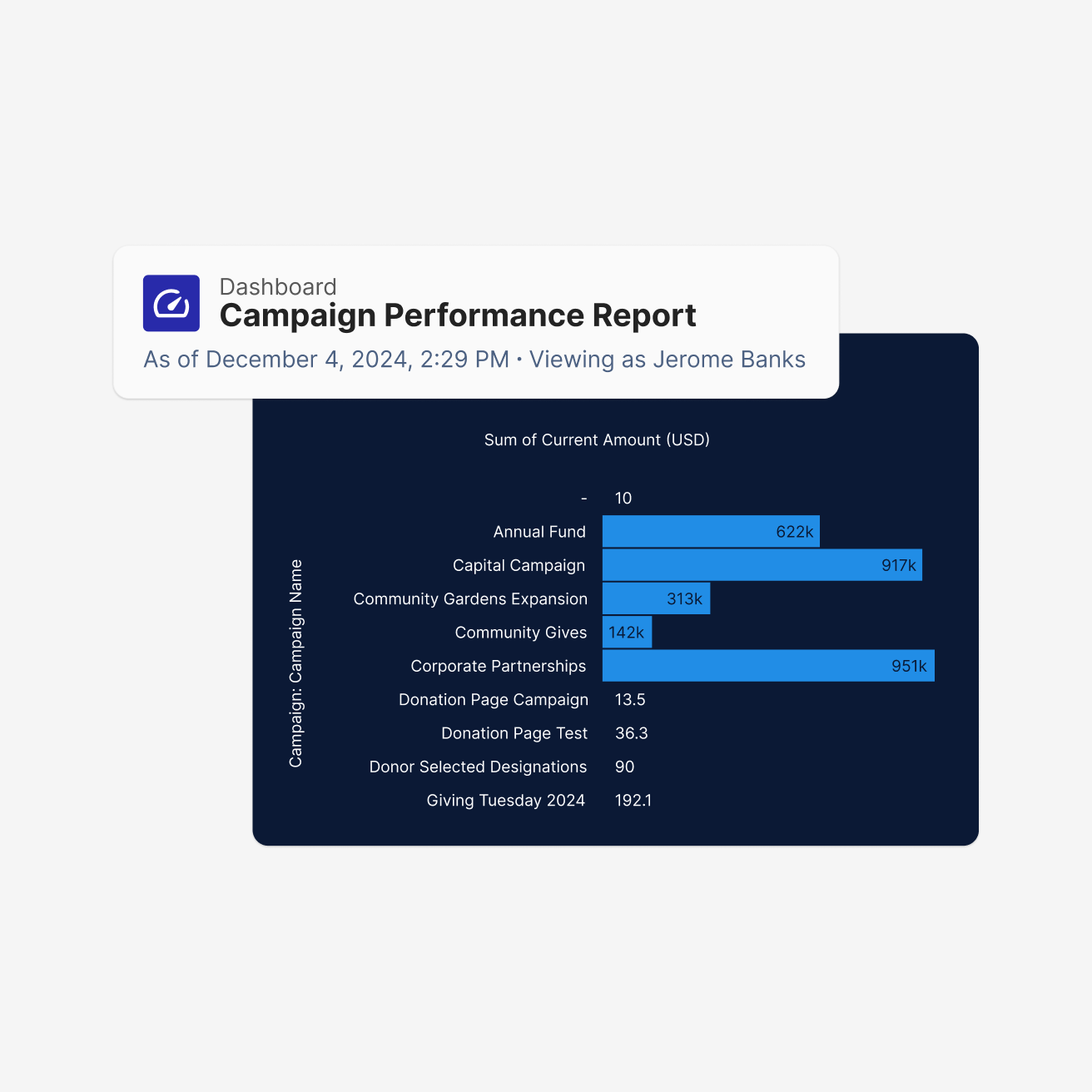
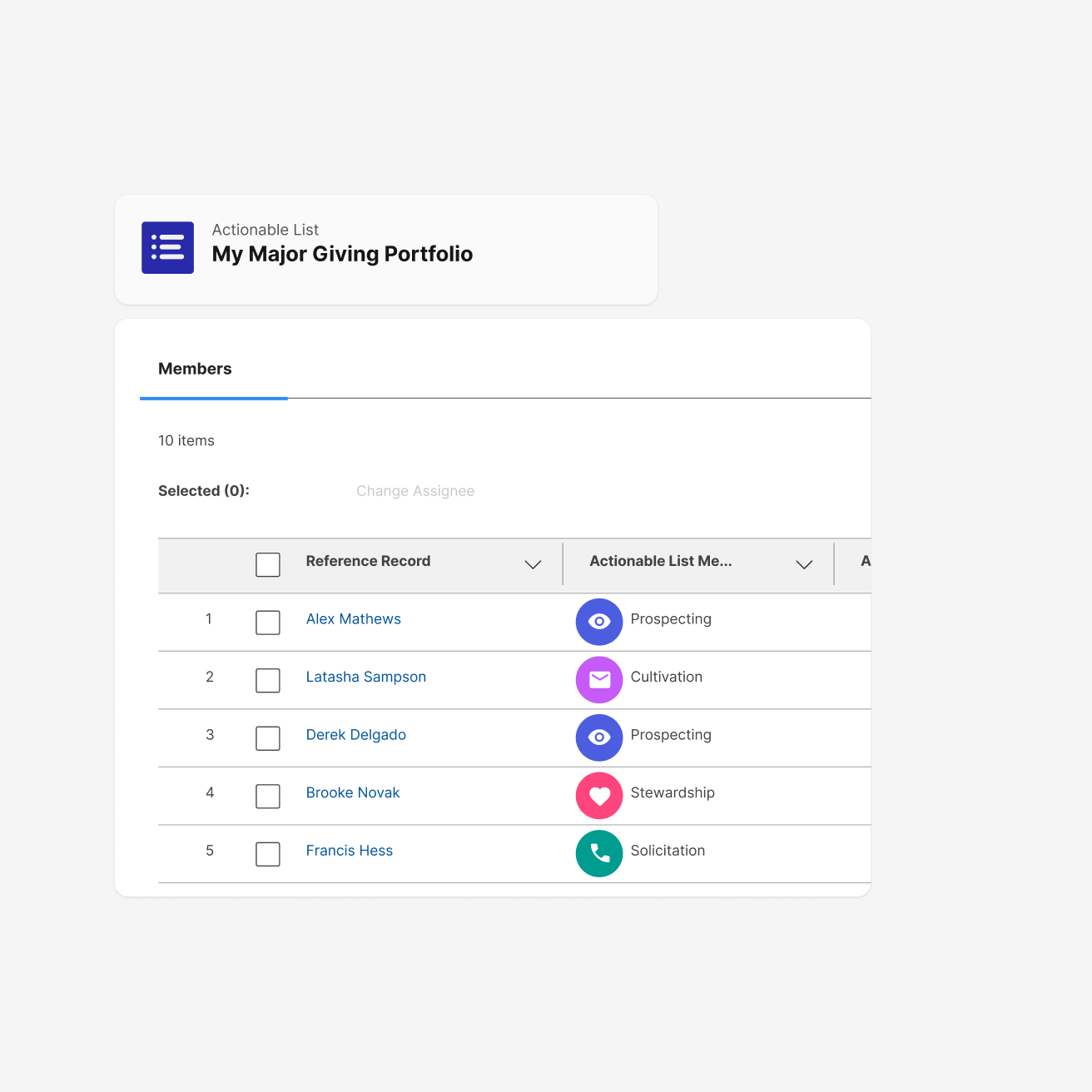
GoFundMe Pro integrates with Salesforce to help nonprofits unify fundraising, donor engagement, marketing, and reporting in one connected ecosystem. Whether your organization uses Nonprofit Cloud, Education Cloud, or Sales Cloud with NPSP, your teams can keep supporter data synchronized and reduce manual work across systems.
Keeping fundraising and CRM data connected is essential to delivering thoughtful supporter experiences. GoFundMe Pro integrates across Salesforce solutions including NPSP, and Agentforce Nonprofit (Nonprofit Cloud and Education Cloud) to unify fundraising operations while supporting the flexibility nonprofits need across their CRM environments.
With this integration, teams can:

Already rely on Salesforce to manage donor relationships and want their fundraising data working just as hard—without the manual effort of keeping two systems in sync.



The integration keeps your fundraising and CRM data in sync automatically — and seamlessly, across all Salesforce integrations we offer, including NPSP and Agentforce Nonprofit (Nonprofit Cloud and Education Cloud). Donation records, supporter profiles, and campaign activity flow directly into Salesforce in near real-time, so your team always has an accurate, up-to-date picture without manual exports or imports.
GoFundMe Pro integrates with Nonprofit Success Pack (NPSP), Nonprofit Cloud, and Education Cloud. Whether your team is on a legacy NPSP setup or has migrated to Nonprofit Cloud, you’ll get a robust, purpose-built integration designed for how nonprofits use Salesforce.
All recurring plan activity syncs to Salesforce, including donation amounts, frequency, and status changes. This makes it easy to proactively identify supporters who have paused or reduced their giving, so your team can reach out at the right moment and protect long-term revenue.
Our team will be in touch soon.
Connect GoFundMe Pro with Google Tag Manager (GTM) to manage analytics, advertising, and conversion tracking tags across your fundraising experiences. With GTM support, nonprofits can deploy and manage tracking configurations more efficiently without relying on extensive developer resources.
Great for nonprofits looking for more flexibility in managing analytics and marketing tracking across fundraising campaigns.
Organizations must have an active Google Tag Manager account and a published GTM container before configuring the integration with GoFundMe Pro.
Yes. GoFundMe Pro supports Google Tag Manager (GTM) to help organizations manage analytics and marketing tracking across fundraising experiences.
Organizations commonly use GTM to manage analytics tags, advertising pixels, conversion tracking, remarketing tools, and other marketing or reporting scripts across fundraising experiences.
Yes. If your organization previously enabled GoFundMe Pro’s native Google Analytics integration, we recommend disabling it after implementing the Google Tag Manager (GTM) integration to avoid duplicate data tracking. Organizations can continue tracking GA4 events through tags configured within GTM. Additional setup instructions are available in the implementation documentation.
Connect GoFundMe Pro with Google Analytics 4 (GA4) to better understand supporter engagement, fundraising performance, and conversion activity across your digital campaigns. With native GA4 support, nonprofits can make more informed decisions about fundraising strategy and donor experiences.
Nonprofits are more data-driven than ever, using insights from collection and analysis to power smarter online fundraising decisions.
With this integration, teams can:
Are looking to up-level their data-informed fundraising strategies.
Google Analytics 4 (GA4) is Google’s modern analytics platform designed to help organizations better understand user engagement and conversion activity across digital experiences.
Yes. GoFundMe Pro offers native support for Google Analytics 4 (GA4) to help organizations track fundraising performance, supporter engagement, and campaign conversion activity.
If you already have GoFundMe Pro’s GTM integration, you should avoid adding a GA4 measurement ID in the Apps & Extensions page. The two solutions have scripts that conflict with one another, which negatively impacts data flowing into your GA4 dashboard.
Instead, you should add a GA4 tag to your GTM container. Once you have this tag in place, follow these steps to import custom variables, tags, events, and triggers tailored to GoFundMe Pro’s campaigns. Additional steps are recommended for e-commerce tracking with GTM’s GA4 tag.