Templatize your campaign success
Create campaign templates to scale your fundraising across multi-city events, large-scale campaigns, and corporate partnerships.

Trusted by nonprofits of all sizes



Consistent. Compelling.
Campaign templates.
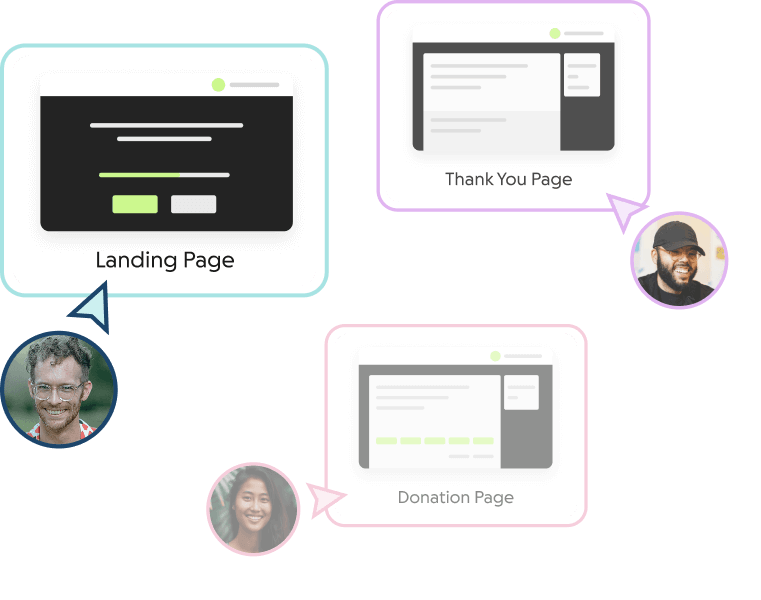
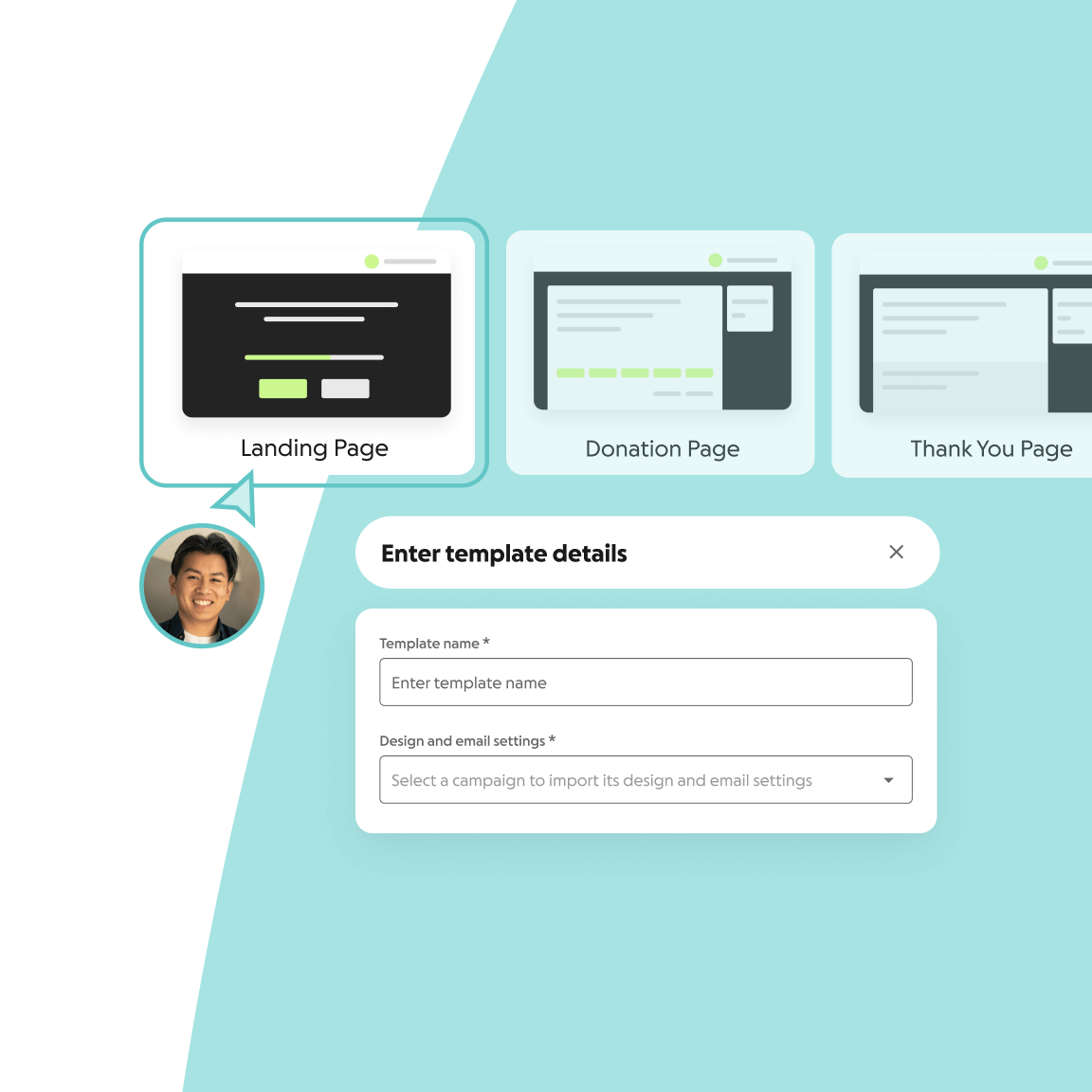
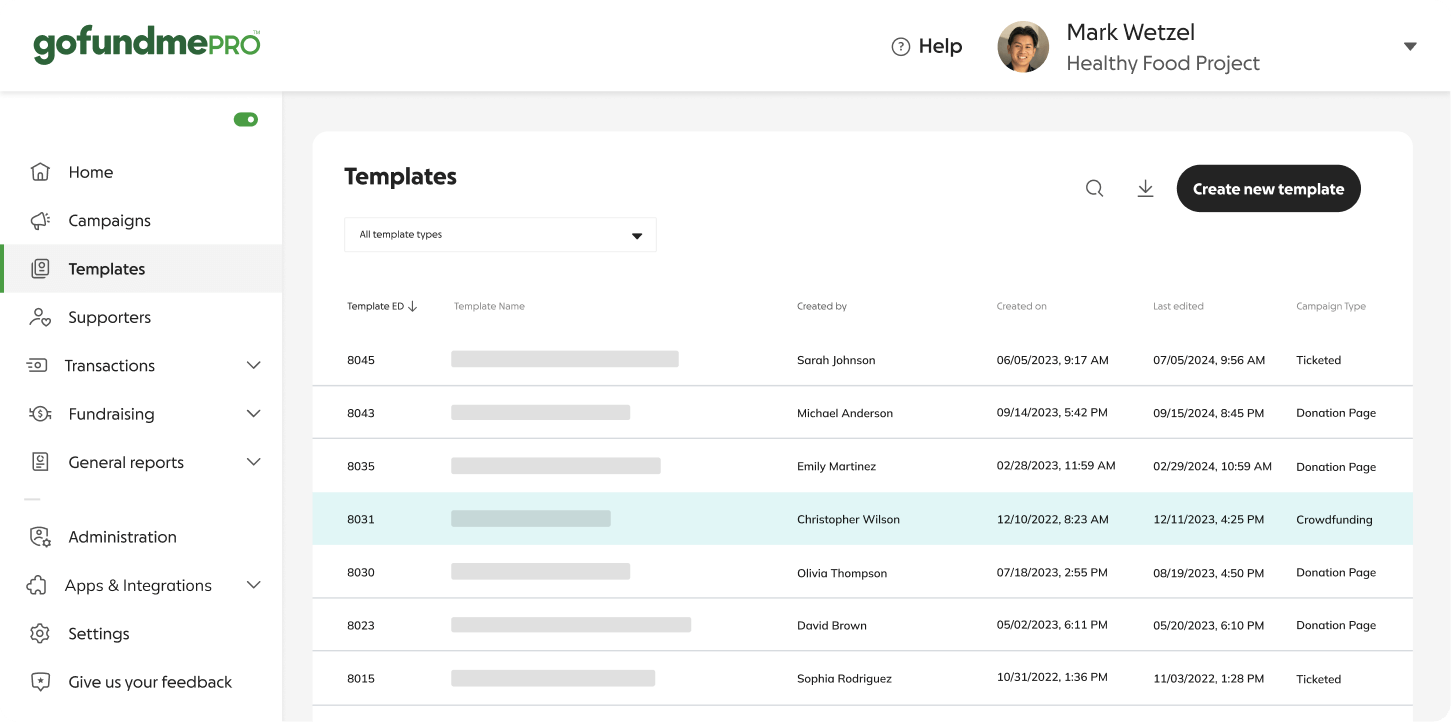
Build fundraising templates that scale quickly and easily. Set branding and content at the template level and publish changes across multiple campaigns in a few clicks.
Corporate partnerships
Create P2P templates for your corporate partners. Make it easy for them to edit child campaigns and inspire employees to support your cause.
Event series
If you’re hosting events across multiple cities, you can create a single fundraising template and empower each city to manage their own registration page.
Chapter onboarding
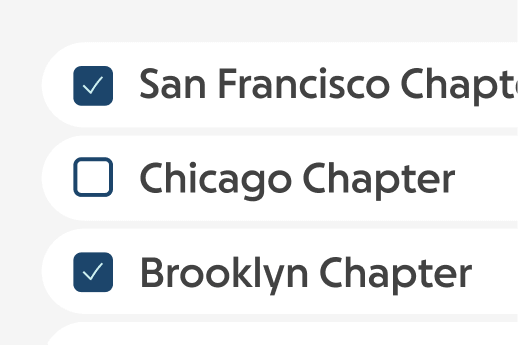
Easily onboard new chapters to GoFundMe Pro with campaign templates for your donation forms, events, annual campaigns, and more.
Collaborate across accounts
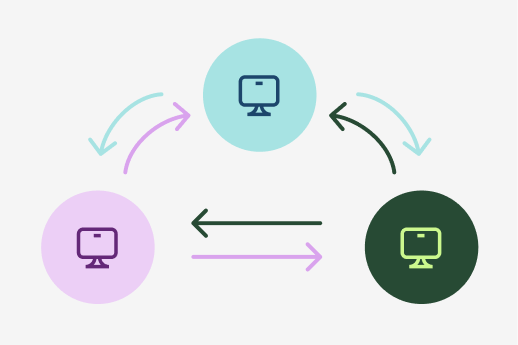
Share campaign templates across chapters, foundations, and independent accounts for events, campaigns, and direct giving initiatives.
Corporate partnerships
Create P2P templates for your corporate partners. Make it easy for them to edit child campaigns and inspire employees to support your cause.
Event series
If you’re hosting events across multiple cities, you can create a single fundraising template and empower each city to manage their own registration page.
Chapter onboarding
Easily onboard new chapters to GoFundMe Pro with campaign templates for your donation forms, events, annual campaigns, and more.
Collaborate across accounts
Share campaign templates across chapters, foundations, and independent accounts for events, campaigns, and direct giving initiatives.
Reliable and flexible
Save time and resources
- Flesh out your branding and content in one place, without any need to start from scratch.
- Create tens or hundreds of child campaigns with templates optimized for you and your goals.
- Add questions, offer promo codes, or change a line of text across all campaigns at once.
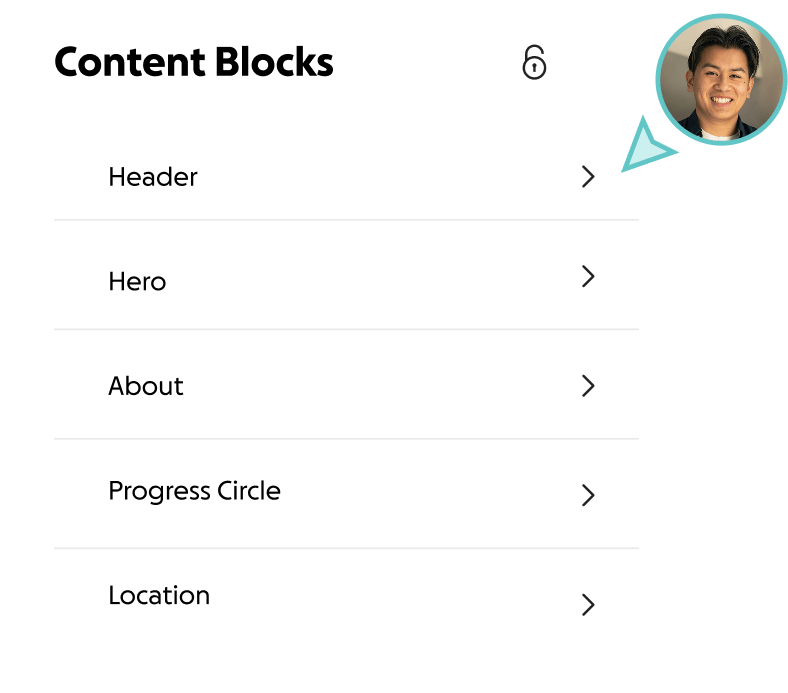
Control your brand
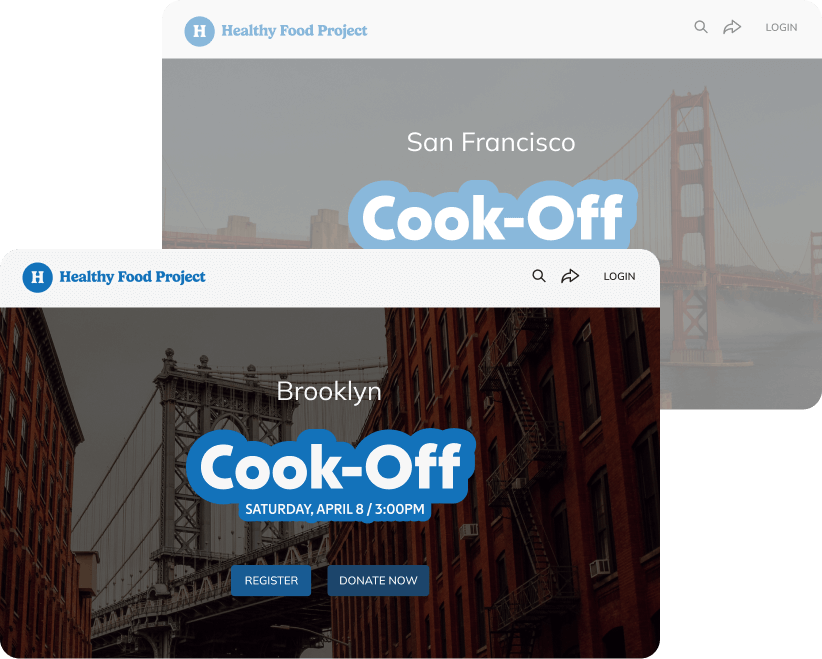
- Create a consistent look and feel for all fundraising campaigns.
- Control what’s locked across associated child fundraising campaigns, including your logo, campaign imagery, colors, content, and more.
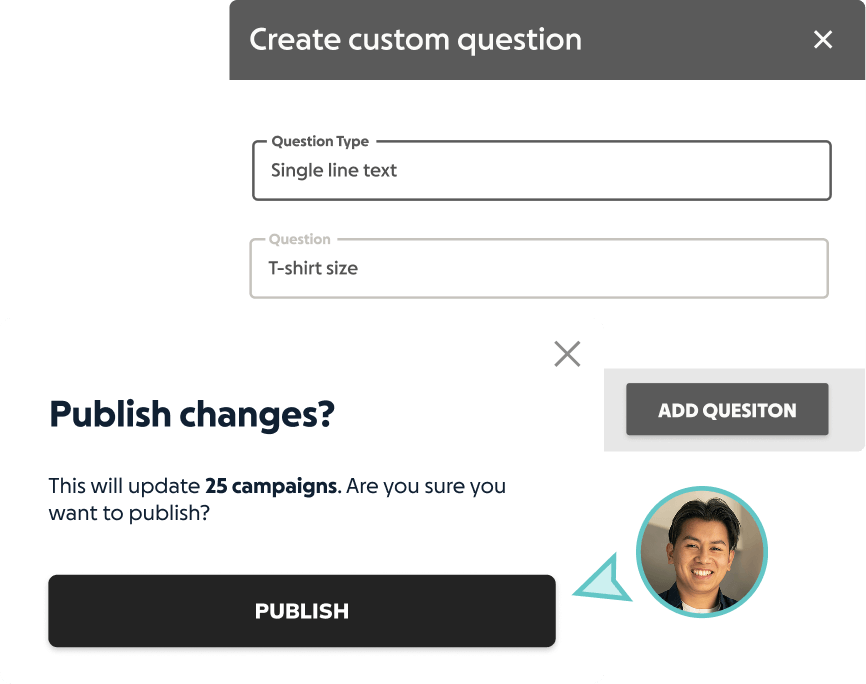
Make mass changes with ease
- Easily make mass changes to all campaigns at the template level.
- Save templates and publish updates to child campaigns in just a few clicks.
What used to take nearly 300 people to accomplish, we can now do with just 16 sets of hands thanks to campaign templating.
Bree Turner,
Senior Development Manager at Kesem
Frequently asked questions
-
What should a fundraising campaign look like?
A fundraising campaign should include consistent branding, multiple payment methods, recurring gift options, gift matching capabilities, and powerful storytelling elements that clearly communicate the reason for your appeal.
-
Can I create consistent, branded fundraising pages for my events?
Yes! With campaign templates, you can templatize pages for fundraising events across multiple locations. This allows each event to have its own registration page and speak to the unique details of an event without sacrificing brand consistency.
-
Is there a limit to how many campaign templates I can create?
There’s no limit to the amount of campaign templates you can make.
We recommend that you use a single template when launching multiple campaigns that have a similar look or purpose. Then, you can create child campaigns from a single template foundation.
-
Is it possible to lock a template so that certain elements cannot be edited at the child campaign level?
Yes. You can lock your logo, imagery, and other content elements to avoid inconsistencies across your child campaigns.
-
How do permissions work for campaign templates?
Once you build your campaign template, you can create child campaigns that inherit all of the elements of that template.
You can give specific campaign permissions to corporate partners, volunteers, or fundraising champions to access a particular child campaign. These permissions only allow them to see and edit that specific campaign.
Campaign organizers control any custom questions added to their campaigns and are responsible for the information they choose to collect from supporters.
-
What security and scalability measures does GoFundMe Pro have in place?
GoFundMe Pro builds security into the foundation of all our products and services.
Our comprehensive approach includes governance, continuous scanning and monitoring, and robust infrastructure. Our dedicated team receives regular training to stay updated with the latest security practices and threats.
We’re a PCI DDS Level 1 service provider that utilizes industry best practices like the OWASP Top 10. Payments are processed by third party payment processors. We use Cloudflare for protection and partner with Stripe, PayPal, and Coinbase for secure payments.
Learn more about our security here.
Templatize your
fundraising success
Learn how GoFundMe Pro’s campaign templates can help your nonprofit raise more, more easily.